How to Use a Tally Counter
Count Verse Team
A tally counter is one of those tools that looks simple at first glance but many people are not sure how to use it correctly. A few button presses may seem straightforward yet small mistakes can lead to inaccurate counts.
The good news is that learning to use a tally counter takes only a few minutes. Once you understand the basic process you can use it for almost any counting task without confusion.
This guide explains how a tally counter works how to use it step by step and a few simple tips that can help you count more accurately.
Don't want to install an app? Try our free online tally counter and start counting instantly from any device.
What Is a Tally Counter?
A tally counter is a counting device designed to keep track of numbers without needing to write them down manually. It records each count as it happens, making the process more organized and reducing the chances of losing track during a task.
How a Tally Counter Works
A tally counter increases the total by one every time the button is pressed or the screen is tapped. The current count remains visible allowing you to continue from where you left off and check the total whenever needed.
Different Types of Tally Counters
Tally counters are available in more than one form. Traditional hand counters use a physical button and display while digital versions work through mobile apps or online tools. Both serve the same purpose but the way they are used can be slightly different depending on the situation.
Looking for a faster way to count? Download our tally counter app and track attendance, inventory, workouts, and daily activities with a single tap.
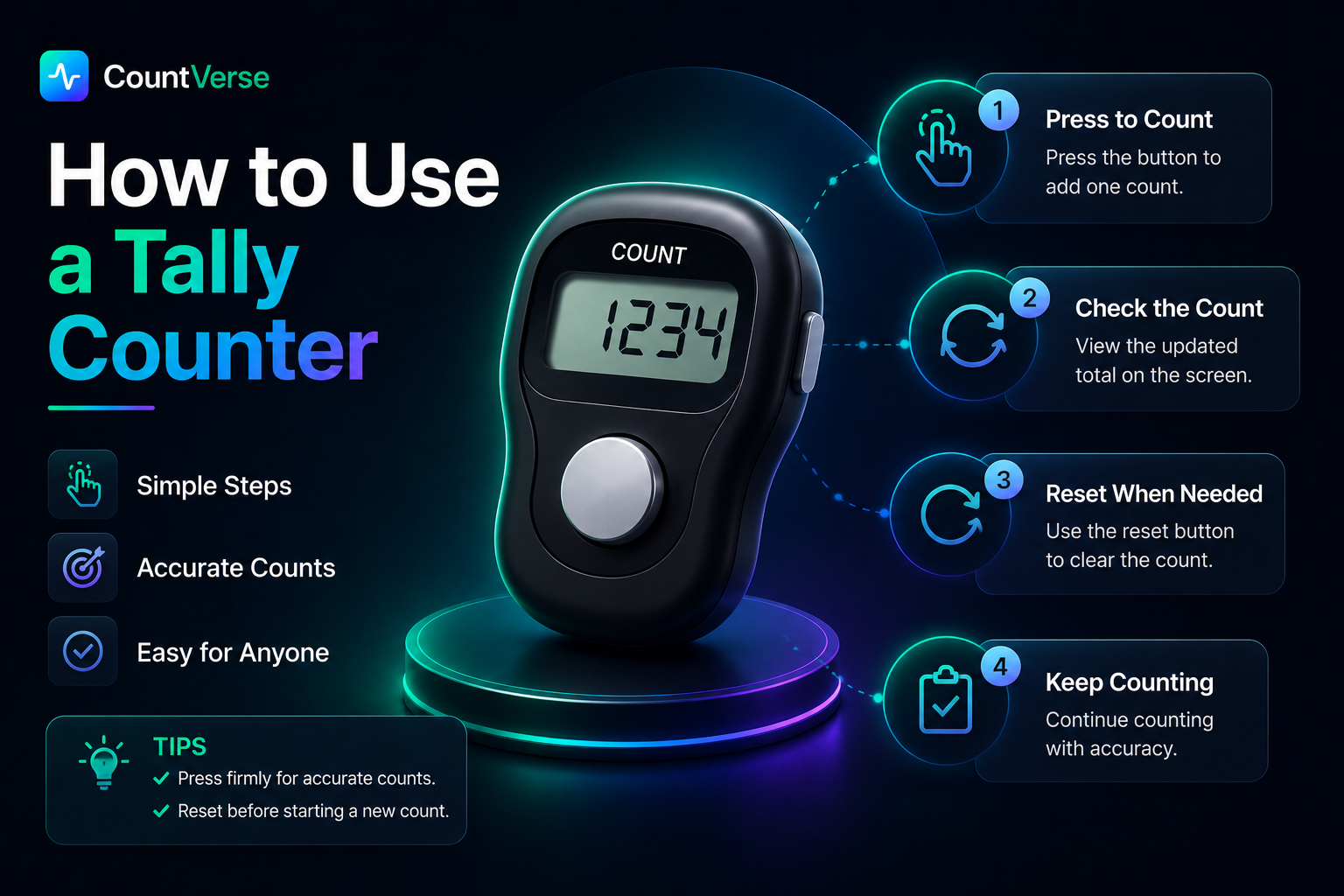
How to Use a Tally Counter Step by Step
Using a tally counter is straightforward once you understand the basic process. The same method works whether you are using a hand tally counter a digital counter or a mobile app.
Start With a Zero Count
Before you begin make sure the counter is set to zero. Starting from a clear count helps avoid mistakes and ensures the final number is accurate.
Count Each Item or Action
Press the button once for every item, person or action you want to count. The key is to stay consistent and record each occurrence as it happens.
Check the Final Total
When the counting session is complete look at the display to see the total count. This number represents everything recorded during that session.
Reset the Counter When Finished
After recording the result, reset the counter so it is ready for the next use. Most counters have a dedicated reset button that clears the previous total instantly.
Common Places Where Tally Counters Are Used

Tally counters are not limited to one type of work. They are used in many situations where numbers need to be recorded quickly without stopping to write everything down. Because they are simple to carry and easy to operate, they can be found in both professional and personal settings.
Attendance and People Counting
When a large number of people enter a room, hall or venue keeping an accurate count can become difficult. A tally counter allows the count to be updated instantly making the process much more reliable.
Fitness and Sports Activities
In sports and training sessions numbers often change quickly. Coaches, trainers, and athletes use tally counters to keep track of repetitions, laps, scores or other running totals without breaking their focus.
Inventory and Stock Checks
Stock checks often involve counting hundreds of items in a short period. A tally counter helps maintain a running total reducing the chance of missing or double-counting products.
Prayer and Personal Tracking
Some people use tally counters as part of their daily routines. They can be used to keep track of prayer counts, reading goals or other activities that require repeated counting over time.
Manual vs Digital Tally Counters
Both manual and digital tally counters perform the same job but the experience is quite different. One relies on a physical click while the other works through a screen or app. The better choice usually depends on where and how the counter will be used.
Feature | Manual Tally Counter | Digital Tally Counter |
Counting Method | Physical Button | Screen Tap |
Power Requirement | No Battery Needed | Requires Power |
Multiple Counters | Usually Limited | Often Available |
Data Storage | Not Available | Available in Many Apps |
Accessibility | Standalone Device | Phone or Tablet |
Hand Tally Counters
Hand tally counters have been used for years because they are straightforward and dependable. Since they do not rely on batteries or internet access they can be used almost anywhere without additional setup.
Mobile Tally Counter Apps
Digital counters offer more flexibility than traditional devices. Features such as saved counts, multiple counters and quick access from a phone make them a practical option for people who count regularly.
Before getting started it helps to understand the most common tally counter uses and where people use them in everyday life.
A Simple Way to Count on Your Phone
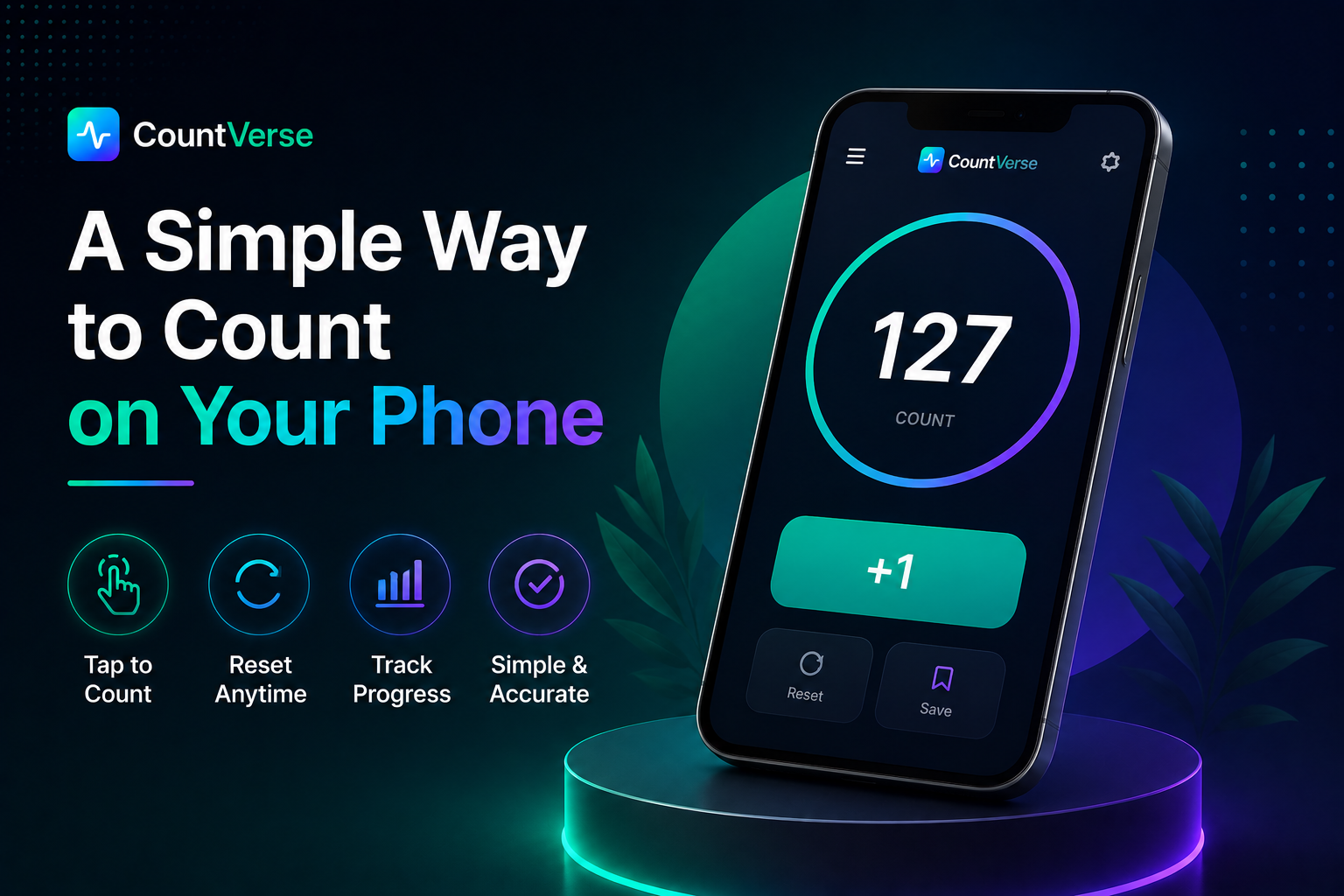
For many people carrying a separate counting device is not always practical. Mobile tally counters solve that problem by keeping everything in one place and making counts easy to access whenever needed.
Tools like CountVerseApp bring the same counting experience to your phone without requiring extra equipment. Whether you need a quick count for a few minutes or want to keep track of numbers over a longer period, having a counter available in your pocket can be surprisingly useful.
Frequently Asked Questions
How do you use tally for counting?
Press the counter once for every item or occurrence you want to record. The display increases with each press and shows the running total.
What are the 4 types of counters?
The most common types are mechanical counters, digital counters, online counters and mobile counter apps.
What do Muslims use tally counters for?
Many Muslims use tally counters to keep track of Tasbeeh, Dhikr or repeated prayers.
What do 5 tally marks mean?
Five tally marks represent the number five. The fifth mark is usually drawn across the first four marks to complete a group.
How do you turn off a tally counter?
A manual tally counter does not need to be turned off. Digital counters usually have a power button or close automatically when not in use.
Final Thoughts
Learning how to use a tally counter does not take long but using it correctly can make a noticeable difference when accuracy matters. A simple counting tool may seem small yet it can save time, prevent mistakes and keep records clear when numbers need attention.
Whether you prefer a traditional hand counter or a digital option the best approach is the one that fits naturally into your routine. Once you get comfortable with the process, counting becomes less about keeping track and more about focusing on the task itself.