Best Tally Counter App for Android
Count Verse Team
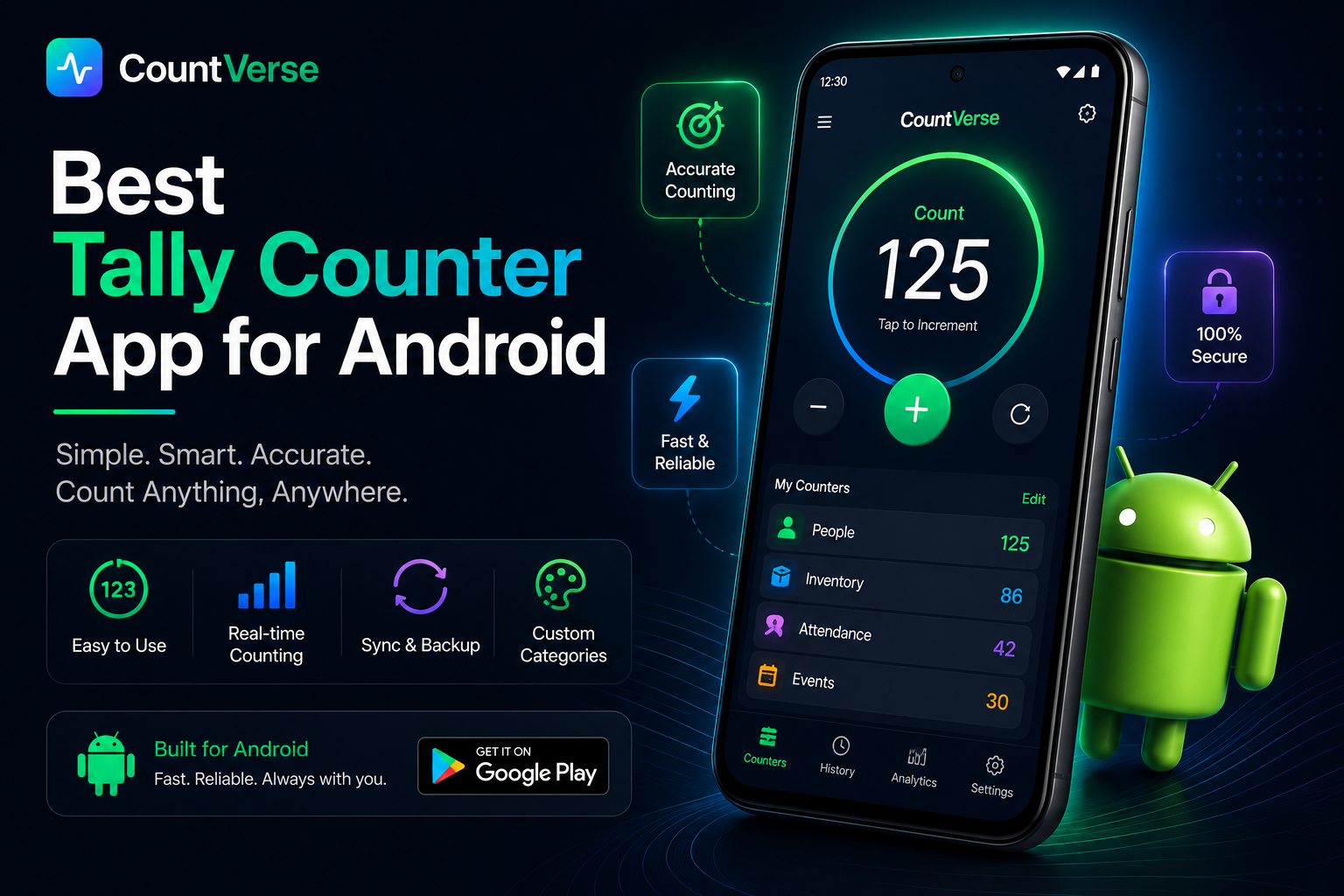
Keeping track of numbers during daily tasks can become difficult when everything is counted manually. Whether you are tracking attendance, workout reps, inventory, prayer counts or event visitors, using a tally counter app makes the process much faster and easier.
Many Android users prefer tally counter apps because they are simple to use and work directly from a mobile phone without needing paper or spreadsheets. With just a tap, you can increase counts, manage multiple counters and keep everything organized in one place.
In this guide, you will learn what a tally counter app is, how it works, which features matter most and how to choose a better counting app for everyday use.
Ready to count faster and stay organized? Download our tally counter app and start tracking numbers with a single tap.
What Is a Tally Counter App?
A tally counter app is a simple mobile tool used for counting things quickly without writing numbers manually. Instead of using paper or keeping counts in your mind the app lets you track numbers directly from your phone with just a tap. Many people use these apps for daily counting tasks because they are fast, easy and more organized.
How a Tally Counter App Works
A tally counter app works by increasing the count every time you tap the screen or press a button. Some apps also allow users to decrease counts, reset totals or manage multiple counters at the same time. This makes counting much easier during busy tasks or activities
Why People Use Digital Counters
Digital counters help save time and reduce counting mistakes. They are commonly used for attendance, workouts, inventory tracking, prayer counting, surveys and event management. Since everything is stored on the phone, users can track counts more easily wherever they go.
Prefer spreadsheets? Learn how to create a tally counter in Excel for attendance tracking, inventory management, and other counting tasks.
Common Uses of Tally Counter Apps
Tally counter apps are useful for many everyday activities where quick and accurate counting is needed. Since everything can be managed from a phone people use these apps in different situations to keep counts simple and organized.
Attendance Tracking
Teachers, event organizers and small teams often use tally counter apps to track attendance quickly. Instead of writing numbers repeatedly they can update the count instantly with a single tap.
Workout and Gym Counting
Many people use tally counter apps during workouts to count reps, sets, laps or exercise rounds. This makes it easier to stay focused without trying to remember numbers during training.
Inventory and Stock Counting
Shop owners and workers sometimes use tally counter apps while counting products or checking stock. It helps reduce confusion and makes large counting tasks easier to manage.
Prayer and Habit Tracking
Some users use tally counters for prayer counting, daily habits or personal goals. Since the counter stays on the phone, tracking progress becomes more convenient throughout the day.
Features of a Good Tally Counter App
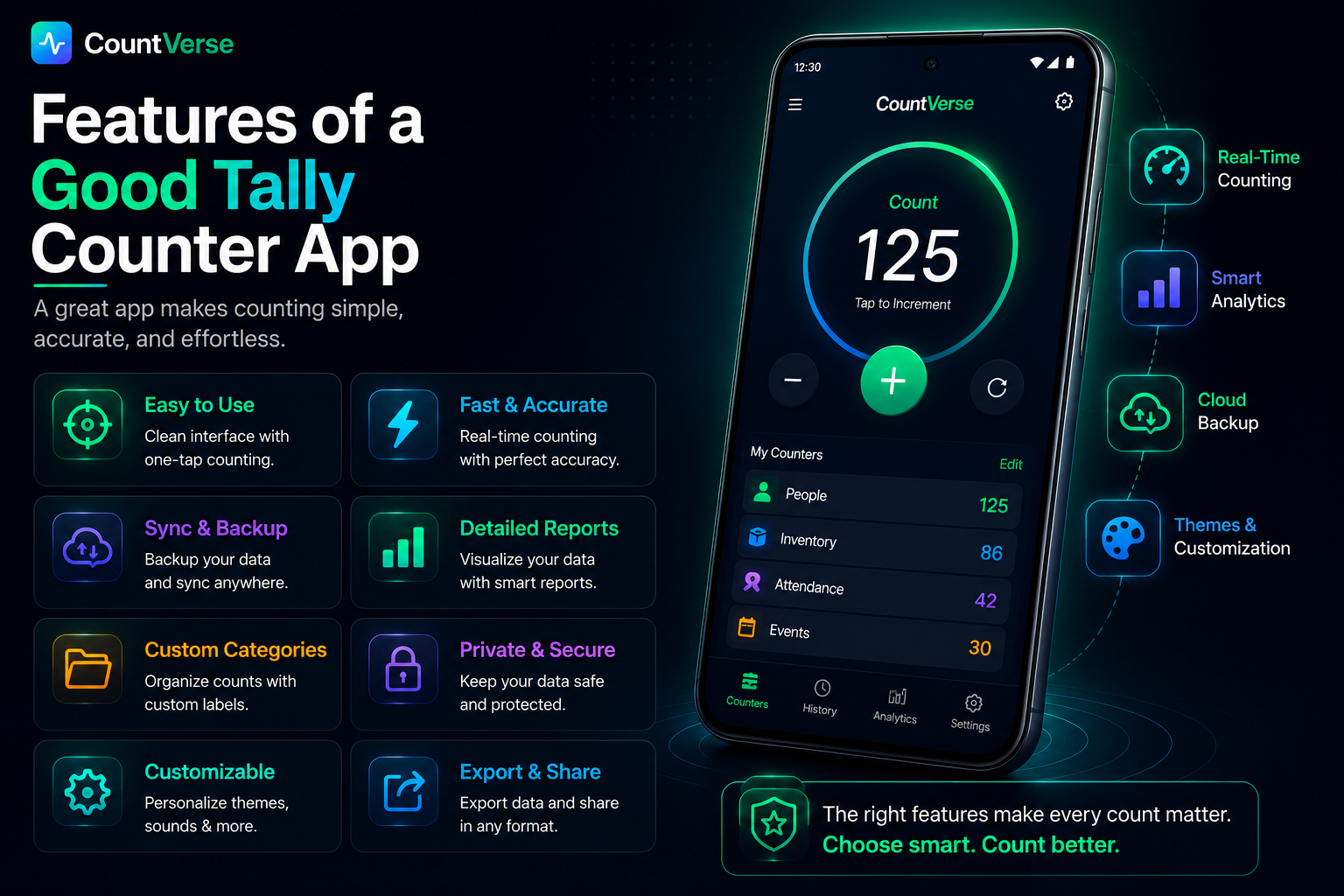
A good tally counter app should make counting simple and quick without creating confusion for the user. Most people prefer apps that are easy to use, work smoothly on mobile devices and help manage counts without extra setup or complicated settings.
If you need a quick solution without installing an app, try our free online tally counter and start counting instantly from any device.
Simple One-Tap Counting
One-tap counting is one of the most useful features in a tally counter app. Users can increase the count instantly with a single tap which makes counting faster during busy tasks or activities.
Multiple Counters
Some people need to track more than one count at the same time. A good tally counter app allows users to create multiple counters for different tasks without mixing the numbers together.
Save and Reset Options
Save and reset features help users manage counts more easily. Saving keeps the progress stored inside the app, while the reset option allows users to start counting again whenever needed.
Easy Mobile Access
A mobile-friendly app makes counting more convenient because users can access their counters anytime from their phone. This is helpful for people who need quick counting during work, travel, workouts or daily activities.
How to Use a Tally Counter App
Most tally counter apps are designed to be simple so users can start counting without learning complicated settings or tools. Once the app is opened everything can usually be managed with a few quick taps.
Create a Counter
The first step is creating a counter for the task you want to track. Some apps allow users to add names or labels which makes it easier to organize different counts.
Start Counting
After creating the counter you can begin counting by tapping the screen or counter button. Every tap increases the total instantly which helps make counting faster and easier during daily activities.
Reset or Manage Counts
Most tally counter apps also include options to reset counts or manage multiple counters. This helps users clear old counts, update totals or switch between different counting tasks more easily.
If you need a quick solution without installing an app, try our free online tally counter and start counting instantly from any device.
Common Problems With Basic Counter Apps
Many tally counter apps are simple to use but some basic apps can still create problems during regular use. Users often face issues that make counting slower, confusing or less convenient over time.
Too Many Ads
Some free counter apps show too many ads while counting. This can interrupt the user experience and make quick counting more frustrating, especially during busy tasks or activities.
Limited Features
Basic apps sometimes only support simple counting and do not offer extra features like multiple counters, saving progress or better organization tools. This can become difficult for users who need more flexibility.
Confusing Interface
Not every tally counter app is easy to understand. Some apps include too many buttons or complicated layouts which can make counting harder for new users instead of making it simpler.
Tally counter apps are compatible with most modern Android devices.
A Better Way to Count Digitally
Basic counter apps and spreadsheets can work for simple counting, but they are not always easy to manage every day. Some apps have too many ads, while others feel limited or confusing to use.
Tools like CountVerseApp give users a simpler way to count from their phone without dealing with complicated setup or extra steps. Everything stays easy, quick and more organized while counting daily tasks.
It can be useful for workouts, attendance, inventory counting, prayer tracking and many other activities where fast counting is needed.
Frequently Asked Questions
How to use a manual tally counter?
A manual tally counter works by pressing a button every time you want to increase the count. Each click adds one number to the total.
What is the main use of a tally counter?
A tally counter is mainly used for counting things quickly and keeping track of numbers more easily during daily tasks or activities.
How to use Tally in a mobile phone?
You can use a tally counter on a mobile phone by opening the app and tapping the counter button whenever you want to increase the count.
Why do Muslims use tally counters?
Some Muslims use tally counters for Tasbeeh or prayer counting because it helps them keep track of repetitions more easily.
Can I practice Tally on a tablet?
Yes tally counter apps can also be used on tablets if the app supports larger screen devices.
Final Thoughts
A tally counter app can make daily counting much easier and faster. Whether you are tracking workouts, attendance, inventory, prayer counts or personal habits, using a simple counter app helps keep everything organized in one place.
Many people prefer tally counter apps because they are quick to use, easy to manage and work directly from a mobile phone. The right app can save time, reduce counting mistakes and make everyday tracking more convenient.